

Your first CCTV system
Plan camera positions and recording around your entrances, driveway and other priority areas.
Plan my home CCTVCCTV installation & upgrades · Perth
Check entrances, driveways and work areas, then find and save relevant footage. We install and upgrade CCTV for Perth homes and businesses.
Not sure where to start? Explore your optionsLicensed security agent, consultant & installer.
Security Agent License: 87242 SA SI SC · About West Protect
Security agent license issued by Western Australia Police Licensing
A practical starting point
Tell us what you want to see. You don’t need a camera count or model number.
Plan camera positions and recording around your entrances, driveway and other priority areas.
Plan my home CCTVImprove image detail, recording history or reliability. We check what can be retained.
Discuss my CCTV upgradePlan coverage and recording around your premises, with permissions for authorised users.
Plan my business CCTVPlan around the result
Choose coverage, recording history and alerts around your property.
Cover priority entrances and work areas. We plan camera positions and identify where a closer view is needed.
Distance, glare, movement and lighting affect image detail. No camera guarantees identification in every situation.
Plan how much recording history you need. At handover, learn how to find an event and save a copy.
Recording duration depends on storage, camera count, image settings and activity. Important clips should be exported before they are overwritten.
View compatible cameras on your phone. Choose supported person or vehicle alerts to reduce less relevant notifications.
Remote access needs working internet connections and account permissions. Analytics can miss events or raise unwanted alerts; notifications do not arrange an emergency response.
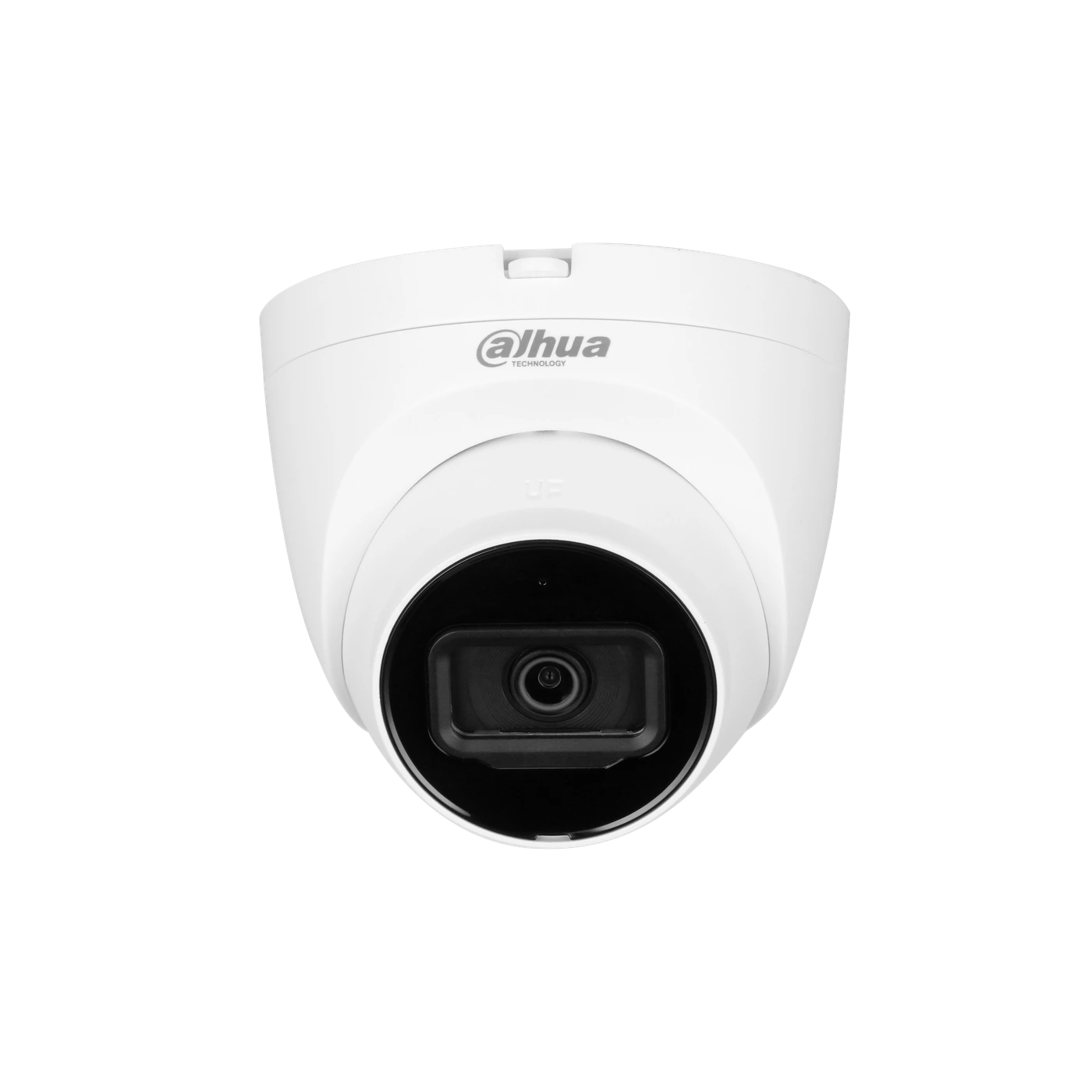
An Internet Protocol (IP) camera sends video over a network. Compatible Power over Ethernet (PoE) carries power and data through one Ethernet cable. Camera position, lens angle, lighting, exposure and pixels across the subject affect usable detail; resolution alone is not enough.
A network video recorder (NVR) stores compatible camera streams. Continuous or event-based schedules, camera count, resolution, frame rate, compression and bit rate affect storage use. Retention is the recording history available before the oldest footage is overwritten. We discuss your target history and check playback during handover.
Remote viewing requires supported equipment, internet connections and an authorised account. Local recording can continue on a suitable system without internet, provided the required equipment has power and remains connected. Export important footage before it is overwritten and check the saved file plays.
From enquiry to everyday use
Agree the scope and price before installation, then learn the everyday controls.
Tell us your suburb, priorities and any existing equipment. We confirm whether a site assessment or further details are needed.
Your quote identifies the equipment, installation scope, included features and price. Cabling routes, access and any additional work are considered.
We set up and test the agreed functions, check recordings and show you the everyday controls.
We confirm equipment locations, cable routes and the functions included in your quotation. Installation is followed by configuration and commissioning: setting up the system and testing the agreed functions together.
For CCTV, checks can include camera views, recording schedules, playback, storage status and authorised app access. For alarms, intercoms or access control, the checks follow the sensors, calling devices, permissions and release functions in scope.
At handover, we demonstrate the everyday controls and explain relevant account access and maintenance. A successful handover records the system’s condition at that time; ongoing power, connections and regular checks still matter.
Before you enquire
For a closer look at camera types and image detail, see our camera buying guide.
The price depends on the camera views, recording requirements, cable routes, access and existing equipment. We provide a tailored quotation with the equipment, inclusions and installation conditions.
Compare CCTV package prices, then request a quote for your property.
Possibly. We check equipment compatibility, condition and cable suitability before recommending what to retain. A new recorder or camera does not automatically work with every older system.
If you know the current brand or model, include it in your enquiry. It is fine to leave this for the follow-up conversation.
A suitably configured local recording system can record without an internet connection. Viewing from outside the property and app notifications need suitable working connections and supported equipment.
The cameras, recorder and associated network equipment still need power. Backup arrangements must be specifically designed and included if required.
Ongoing costs depend on the equipment and services selected. If a mobile-data connection, cloud service or separately agreed support is proposed, the applicable arrangements are confirmed before you proceed.
For faults, recording questions, access changes or upgrades, contact West Protect. We discuss the work and any charges before proceeding.
Get help with an existing system, or view support options and service charges.
Your name, suburb and preferred contact method are enough to begin. If convenient, add whether this is a home or business, what you want to see and whether equipment is already installed.
You do not need to send a full street address, passwords, access codes or footage to start an enquiry. We can discuss budget, timing and any property approvals when we follow up.
Your next step
Tell us your suburb, property type and what you want to improve. We’ll confirm the details needed for your quote.